
Description
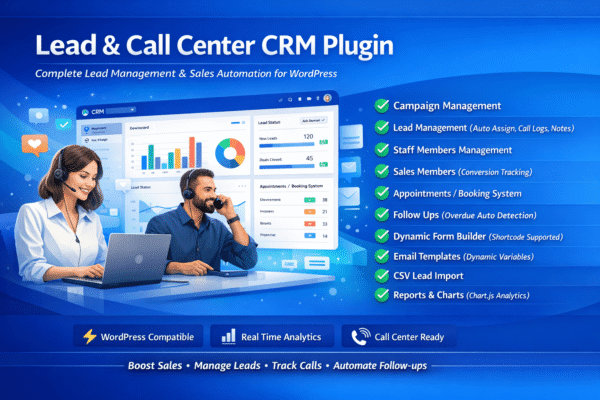
**Lead & Call Center CRM** is a complete, all-in-one sales and lead management solution built specifically for WordPress. Whether you run a call center, a real estate agency, an educational institute, or any business that needs to track sales leads — this plugin gives you everything in one place.
No monthly SaaS fees. No third-party tools. Full control inside your own WordPress dashboard.
—
### Why Use Lead & Call Center CRM?
* 100% WordPress Native — Works inside your existing WP Admin
* No Coding Required — Set up in minutes
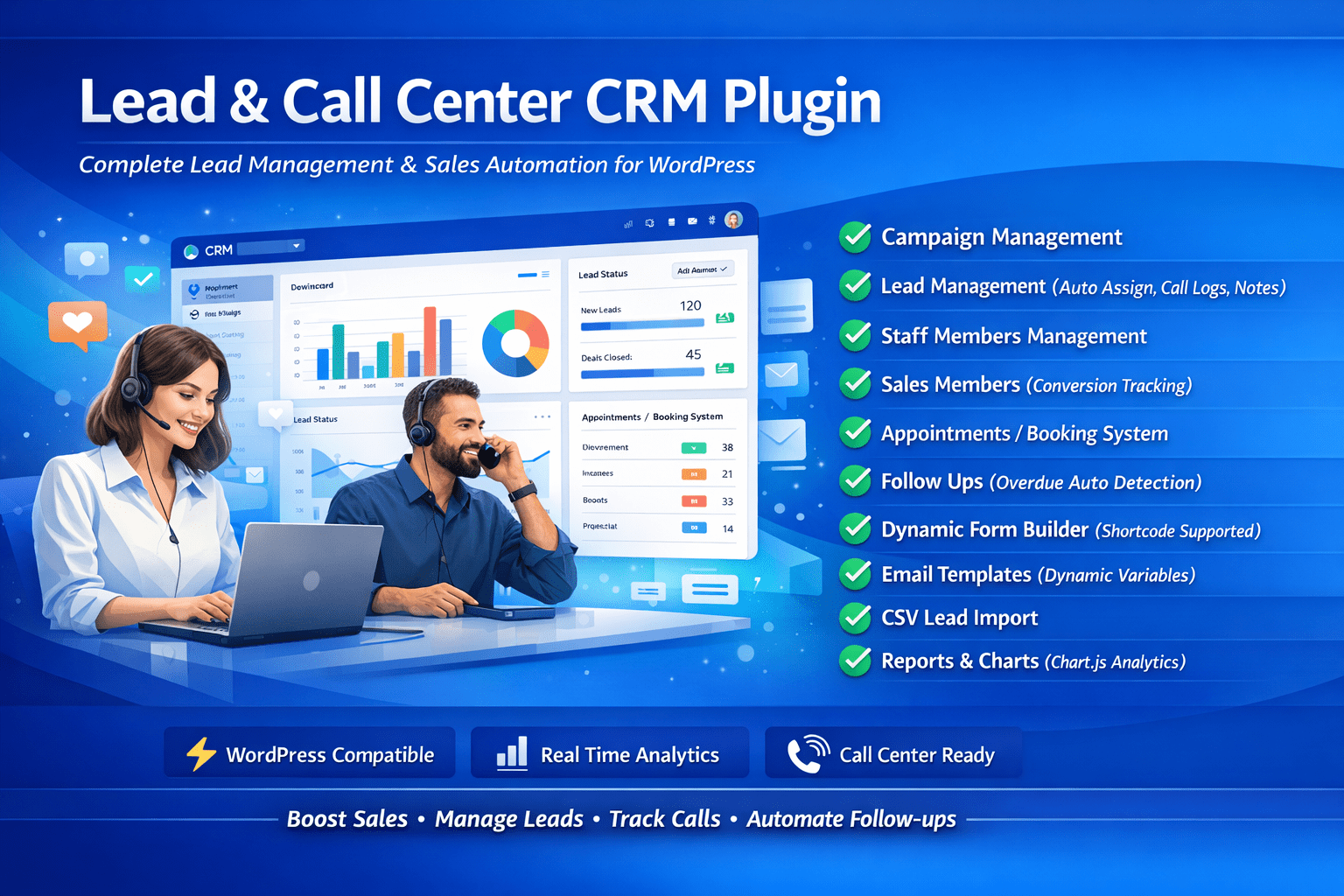
* All-in-One — Campaigns, Leads, Staff, Follow-ups, Forms, Emails & Reports
* Smart Auto-Assignment — Leads are automatically distributed to your team
* CSV Import — Bulk import thousands of leads in seconds
* Dynamic Form Builder — Capture leads from any page with a shortcode
* Email Templates — Send personalized emails with one click
* Visual Reports — Charts and analytics built right in
—
### Complete Feature List
**1. Campaign Management**
* Create unlimited marketing campaigns
* Assign lead capture forms to each campaign
* Import leads via CSV directly into campaigns
* Track total leads and status per campaign
* Active / Inactive / Completed campaign status
**2. Lead Management**
* Add leads manually or import from CSV
* Auto-distribute leads to team members (round-robin)
* Full lead detail view — profile, history, logs, notes
* Call logs for every lead interaction (Call, Email, SMS, Meeting)
* Add internal notes to each lead
* Track lead status: New, Contacted, Qualified, Converted, Lost
* Filter leads by campaign, status, or search by name/phone/email
**3. Staff & User Management**
* Add unlimited team members
* Separate Staff Members and Sales Members panels
* Roles: Admin, Manager, Sales Member, Agent
* Activate / Deactivate team members
* Sales Members panel shows assigned leads and conversion count
**4. Appointment / Booking Management**
* Book appointments and assign to a salesman
* Link appointments directly to leads
* Set appointment date, time, and duration
* Track status: Scheduled, Completed, Cancelled, No Show
**5. Follow Up Management**
* Schedule follow-ups: Call, Email, Meeting, SMS
* Assign follow-ups to specific team members
* Automatic overdue detection — highlighted in red
* One-click Mark as Done
* Filter by Pending, Overdue, Completed
**6. Dynamic Form Builder**
* Build custom lead capture forms — no coding needed
* Multiple field types: Text, Email, Phone, Textarea, Select, Checkbox, Date, Number
* Set fields as Required or Optional
* Assign forms to specific campaigns
* Embed forms anywhere using shortcode:
* Form submissions automatically create leads in the CRM
* Submitted leads are auto-assigned to available agents
**7. Email Templates**
* Create dynamic HTML email templates using the WordPress editor
* Use lead data variables: {lead_name}, {lead_email}, {lead_phone}, {campaign_name}
* Send emails directly from the lead’s profile page
* All sent emails are automatically logged in the lead’s activity log
**8. Lead Import via CSV**
* Import bulk leads from any CSV file
* Map leads directly to a campaign
* Supports columns: name, email, phone
* Detailed result — shows imported count and errors
* Downloadable sample CSV template provided
**9. Reports & Analytics**
* Dashboard summary cards
* Lead Trend Chart (last 30 days)
* Leads by Status — Doughnut chart
* Leads by Campaign — Bar chart
* Leads by Staff Member — Horizontal bar chart
* Conversion rate calculated automatically
—
### Who Is This Plugin For?
* Call Centers — Manage agents, track calls, and follow-ups
* Real Estate Agencies — Track property inquiries and site visits
* Educational Institutes — Manage student admission inquiries
* Insurance and Finance — Track client leads and policy follow-ups
* Any Sales Team — That needs a simple, powerful CRM inside WordPress
—
== Installation == After Purchased
**Method 1: Upload via WordPress Admin (Recommended)**
1. Download the lead-crm.zip file
2. Go to WordPress Admin > Plugins > Add New > Upload Plugin
3. Choose the ZIP file and click Install Now
4. Click Activate Plugin
5. A new Lead CRM menu will appear in your admin sidebar
6. Start by going to Campaigns > Add Campaign, then Staff Members > Add Staff, then Leads > Add Lead
**Method 2: Manual FTP Upload**
1. Extract the lead-crm.zip file
2. Upload the lead-crm folder to /wp-content/plugins/ via FTP
3. Go to WordPress Admin > Plugins
4. Find Lead & Call Center CRM and click Activate
== Frequently Asked Questions ==
= Is this plugin free? =
Yes, the core plugin is completely free. Premium features are available at http://vebrininfotech.com/leadcrm
= How do I capture leads from my website? =
Go to Form Builder > Create New Form, add your fields, save the form. Copy the shortcode like and paste it into any WordPress page or post.
= Can leads be automatically assigned to sales members? =
Yes! When a lead is submitted via a form or imported via CSV, if no agent is manually selected, the system automatically assigns the lead using round-robin distribution to the least-busy active sales/agent team member.
= How do I import leads from Excel? =
In Excel, go to File > Save As > CSV (Comma delimited). Then go to Import Leads page in the plugin and upload the CSV. Required column: name. Optional: email, phone.
= Can I send emails to leads directly? =
Yes! Go to any lead profile, create an Email Template first with dynamic variables, then select and send the template from the lead profile page. All sent emails are logged automatically.
= Does it work with Elementor or page builders? =
Yes! The form shortcode works in any page builder that supports shortcodes, including Elementor (use the Shortcode widget), Divi, WPBakery, etc.
= How many leads, staff, and campaigns can I add? =
Unlimited. There are no restrictions on the number of leads, staff members, or campaigns.
= Is my data stored on my own server? =
Yes, 100%. All data is stored in your own WordPress database. Nothing is sent to any external server.
= What PHP version is required? =
PHP 7.4 or higher. PHP 8.0+ is recommended.
= Will this slow down my website? =
No. The plugin only loads its assets inside the WordPress Admin area and does not affect your frontend website speed.
== Screenshots ==
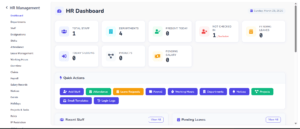
1. Dashboard with summary cards, quick actions and lead status chart
2. Lead Management list with search and filters
3. Lead Detail View with call logs, notes and follow-ups
4. Campaign Management panel
5. Dynamic Form Builder with field types
6. Email Templates with dynamic variables
7. Follow Ups management with pending and overdue status
8. Reports and Analytics with visual charts
9. CSV Lead Import page
10. Staff and Sales Members management
== Changelog ==
= 1.0.0 – March 2026 =
* Initial release
* Campaign Management module
* Lead Management with call logs and notes
* Staff Members and Sales Members management
* Appointment and Booking management
* Follow Up management with auto overdue detection
* Dynamic Form Builder with shortcode support
* Email Templates with dynamic lead variables
* CSV Lead Import
* Reports and Analytics with Chart.js
* Auto lead assignment round-robin
== Upgrade Notice ==
= 1.0.0 =
Initial release of Lead & Call Center CRM. Install and activate to get started.

Reviews
There are no reviews yet.